Part 1: Evaluating Office Environments
Offices are generally low-risk work areas. The potential for serious injury is low, but it is still present. Evaluate the workstation, then the room around it.

Office ergonomic risks
Nine categories to check at every workstation. Each one lists the associated injury risk and what to physically look for.
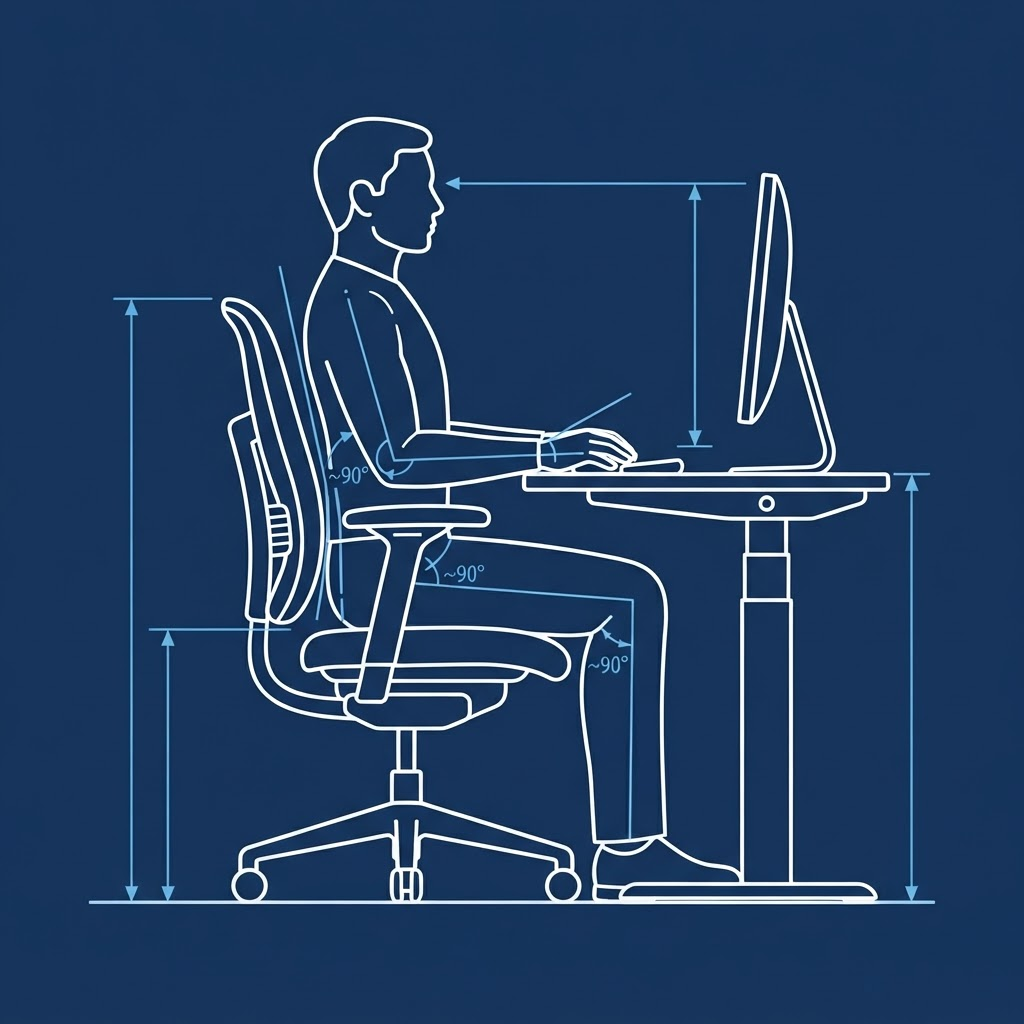
The reference posture: monitor top at eye level, elbows and hips near 90°, wrists straight over the keyboard, feet flat on the floor or a footrest. Use this as the baseline while checking each category below.
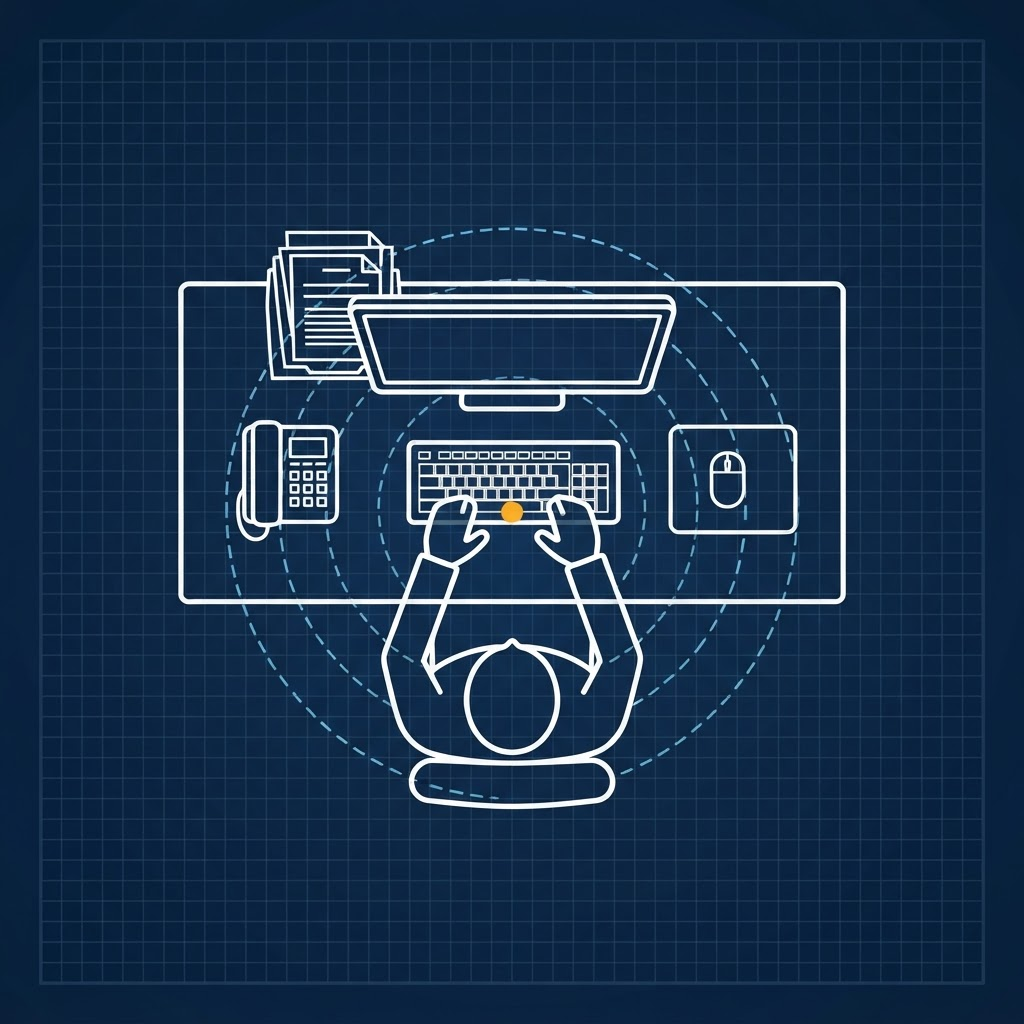
Work Zones
01Back strain, elbow strain, contact stress of arms and wrists from improper placement of desk accessories.
- Distance and placement of the monitor
- Distance and placement of the keyboard
- Distance and placement of the mouse
- Distance and placement of the telephone
- Distance and placement of the document holder
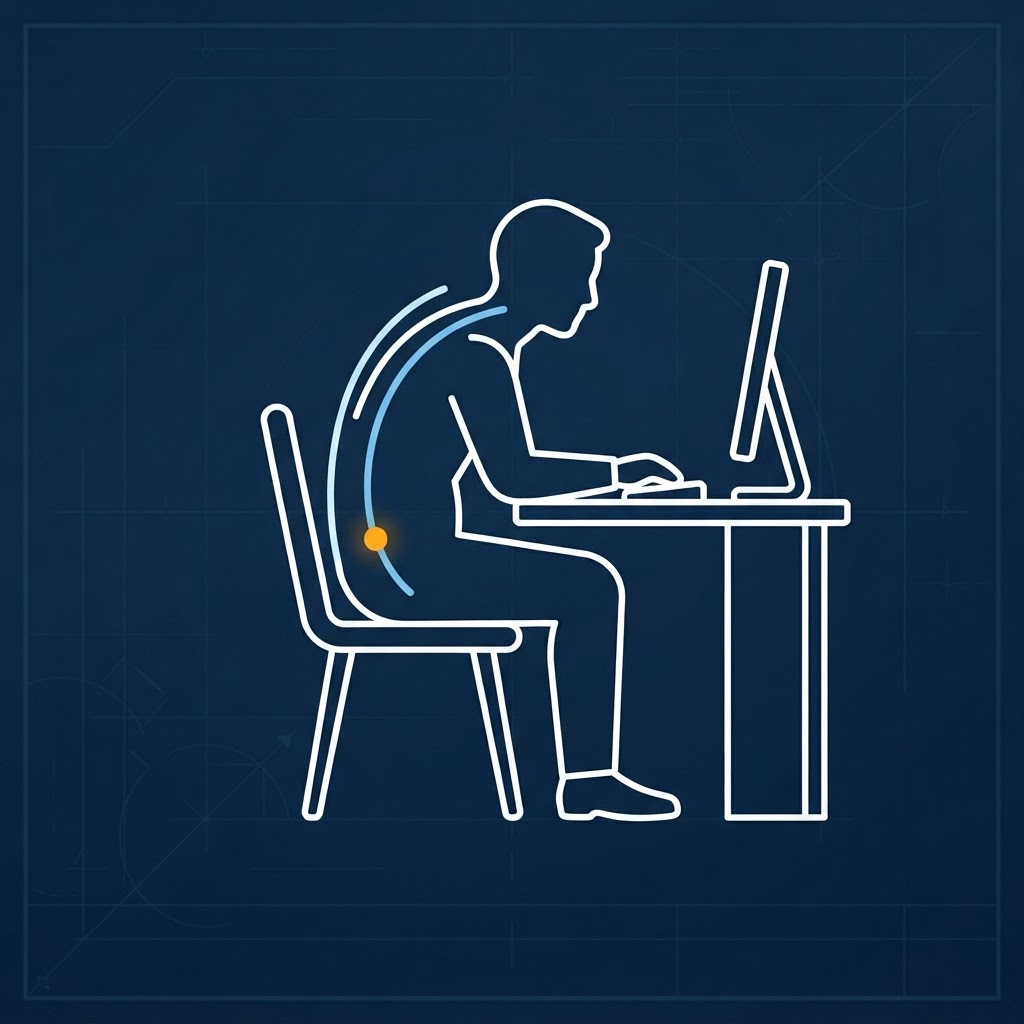
Posture
02Strain to most body parts from a body that is not properly positioned at the workstation.
- Employee sitting in a slouched or hunched position while performing tasks
- Back not properly supported by the chair
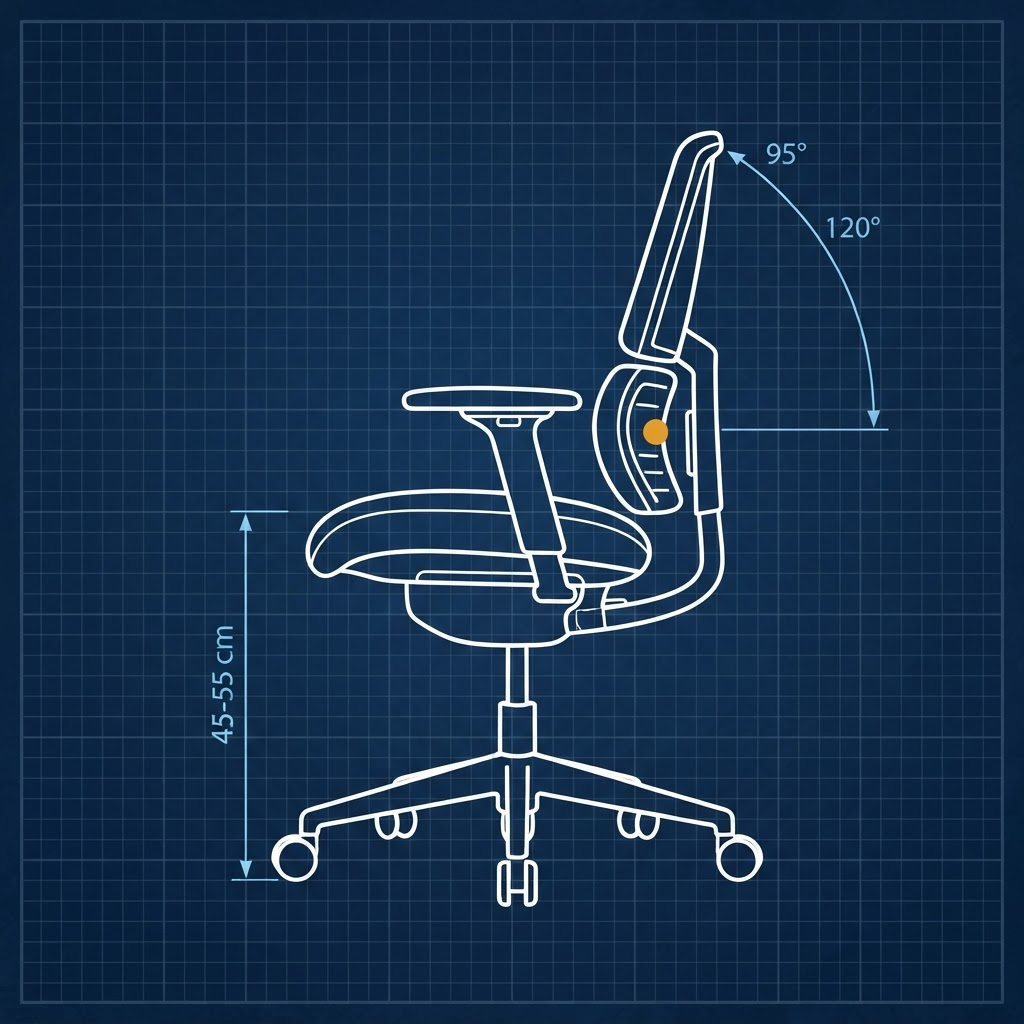
Chair Design
03Back strain, neck strain, elbow strain from lack of back and arm support or improper sitting position.
- Non-office chairs in use
- Employee sitting in a chair that does not fit their body form
- Employee sitting awkwardly (leaning, slouching, hunching) while performing tasks
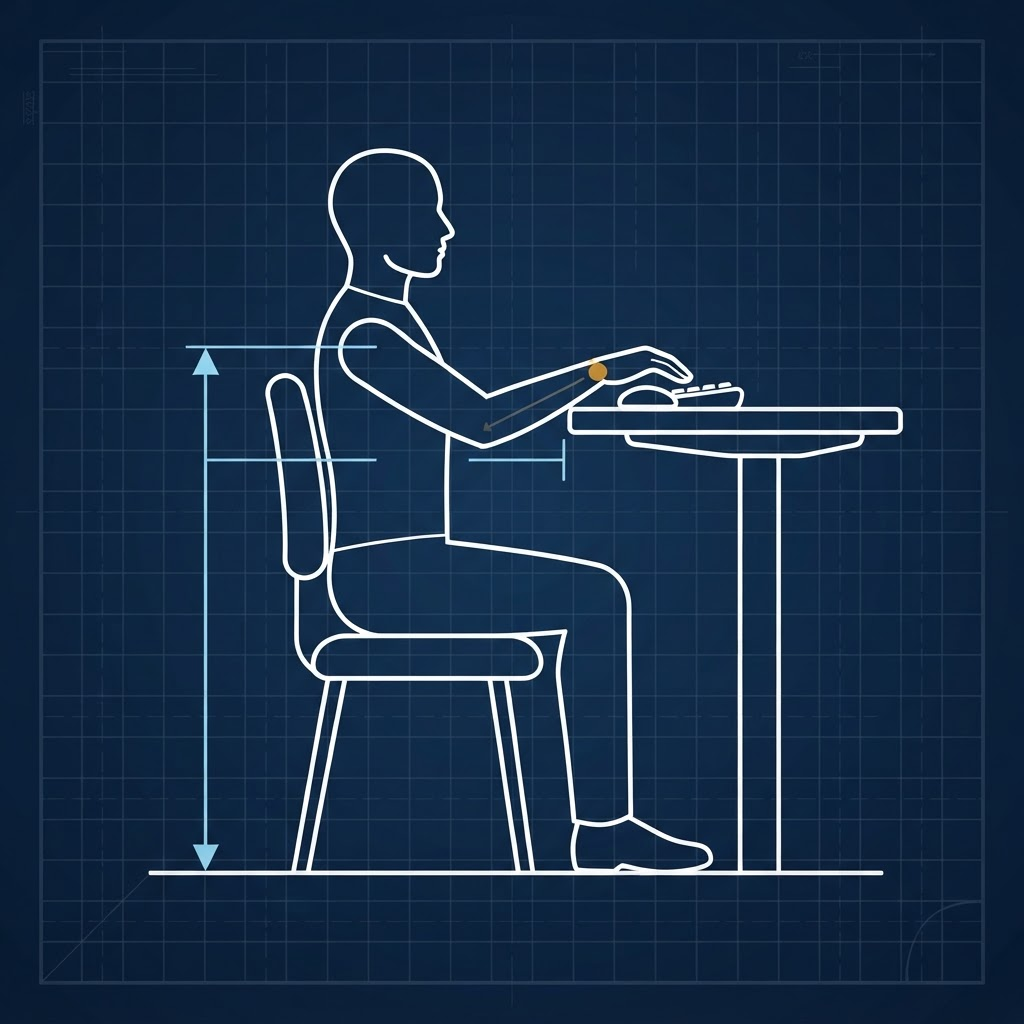
Desk Height
04Back strain, thigh compression / reduced circulation, wrist strain from a desk that is too high or too low.
- Employee reaching up to type or perform tasks
- Feet dangling or not flat on the floor
- Employee leaning over to type or perform tasks
- Legs in a partial squatting position while seated
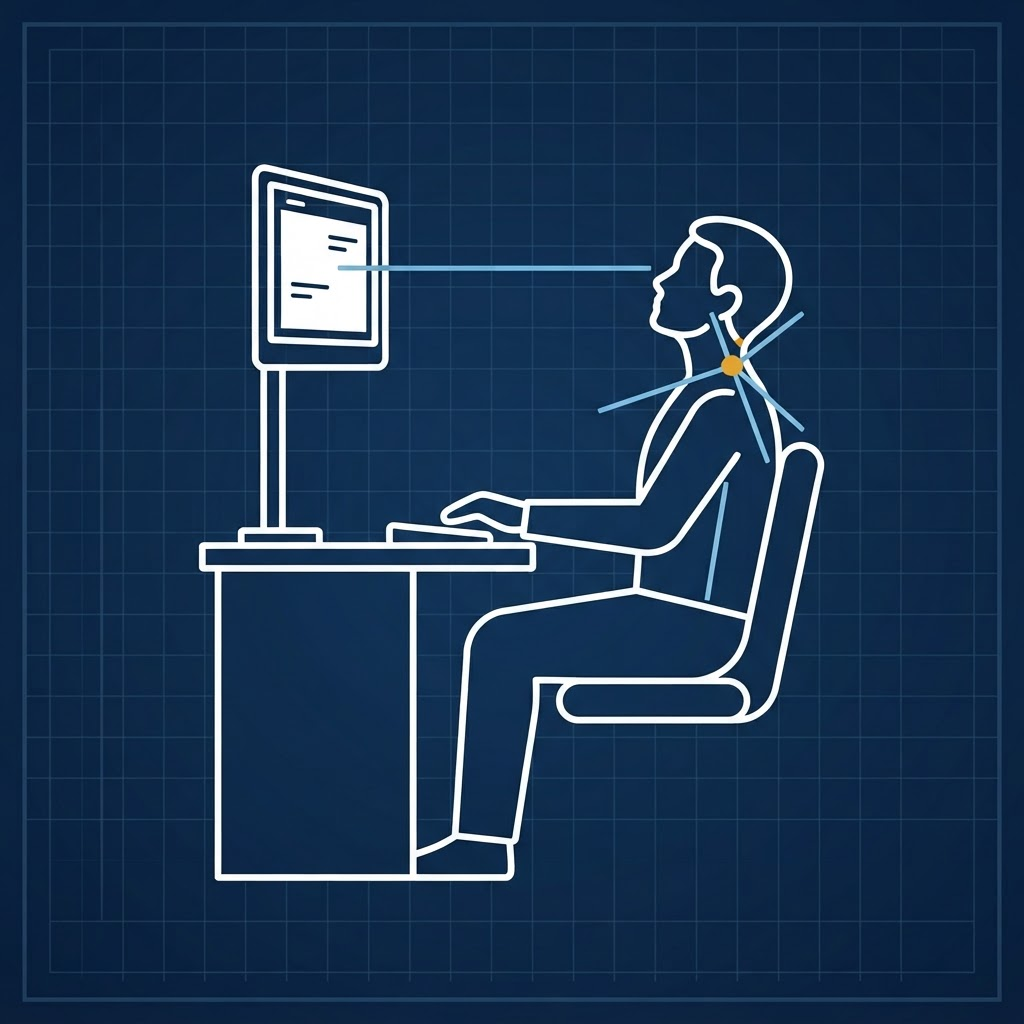
Monitor Height
05Neck and eye strain from a monitor adjusted too high or too low.
- Employee looking up or down at the monitor
- Monitor height relative to the work surface
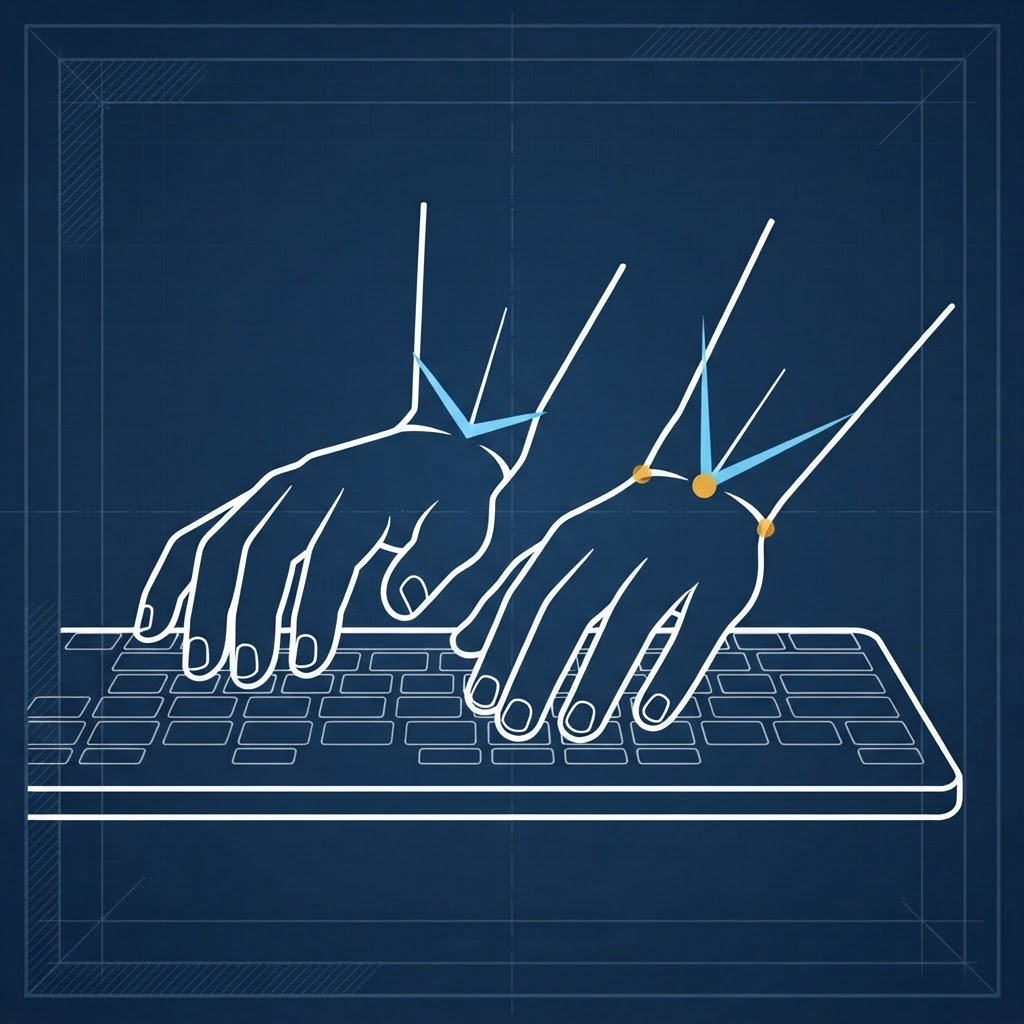
Keyboard Design
06Wrist and hand strain from improper wrist and hand position at the keyboard.
- Hands and wrists bent outward while typing
- Wrists tilted upward or downward while typing
- Presence of an ergonomic / form-fitting keyboard
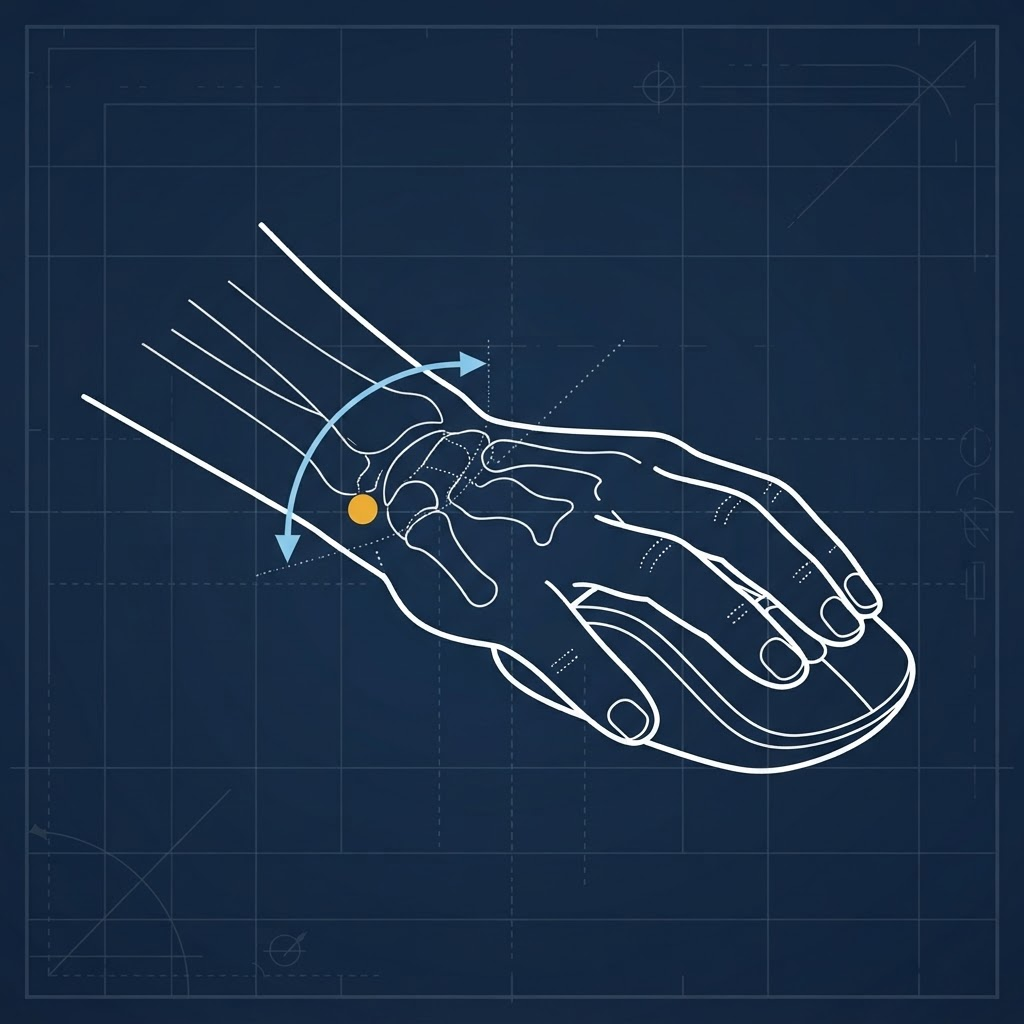
Mouse Design
07Wrist and hand strain from improper hand position while using the mouse.
- Wrists and hands in a pronated position while using the mouse
- Employee using a travel-sized mouse
- Presence of an ergonomic / form-fitting mouse
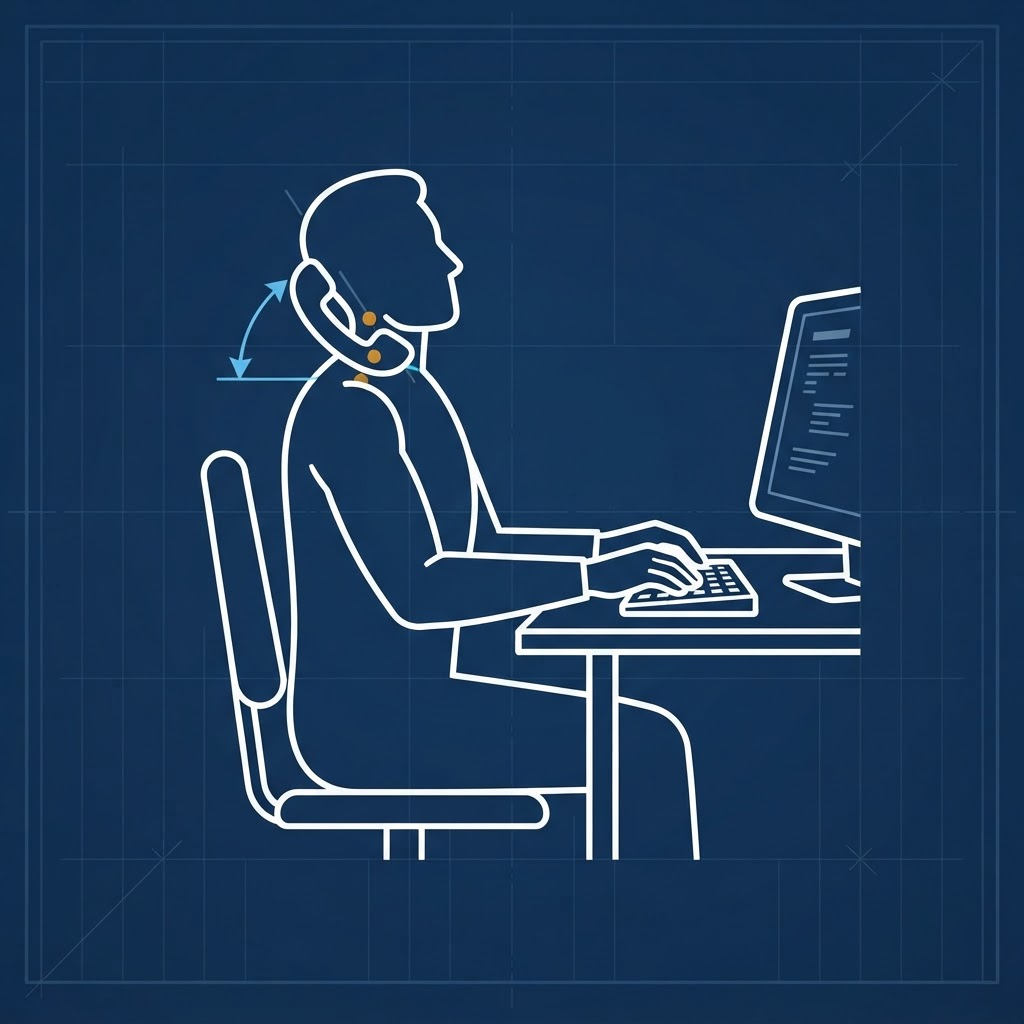
Telephone Design
08Neck strain from awkward placement of the receiver between the head and shoulder.
- Employee tilting the head sideways and hunching the shoulder to hold the phone while working
- Presence of a headset at the workstation
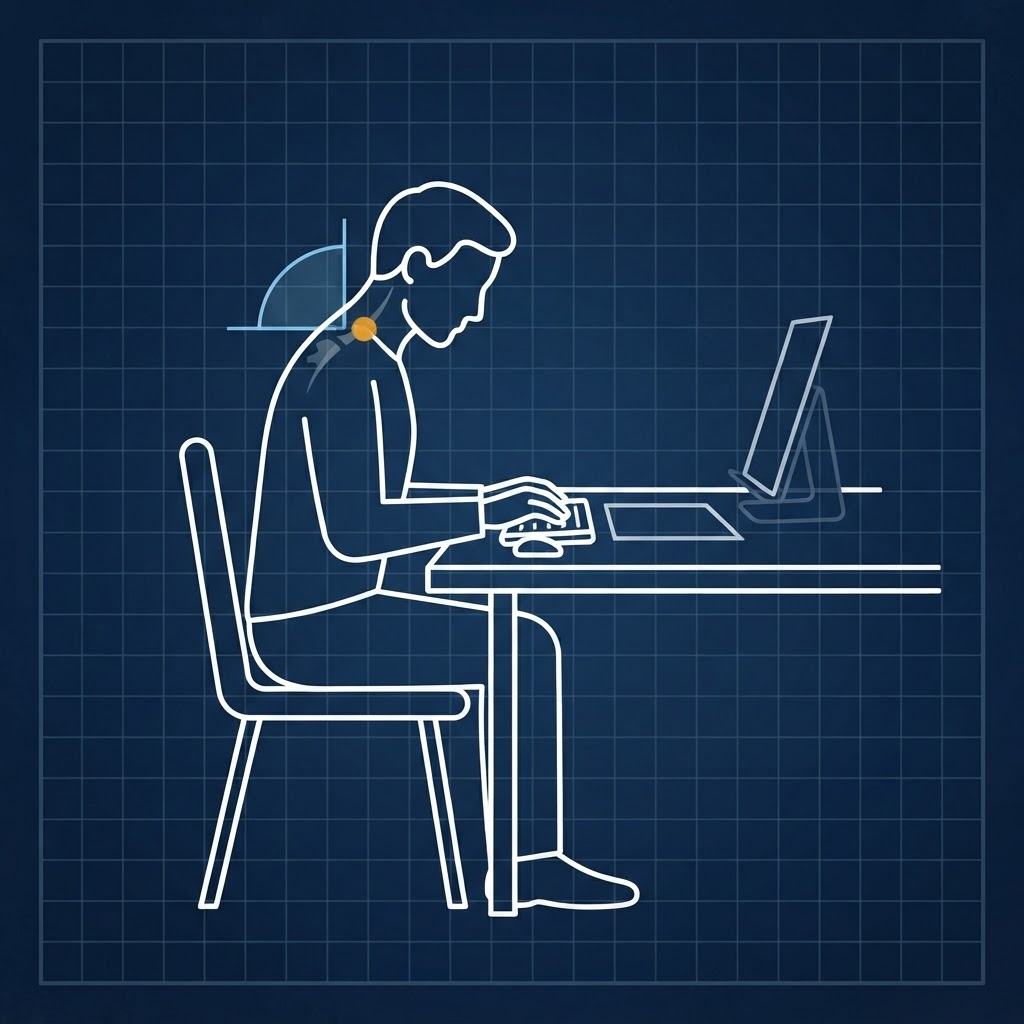
Document Viewing
09Neck strain and back strain from documents laid flat on the work surface.
- Employee looking down at documents while typing
- Presence of a document holder
Environmental ergonomic risks in office environments
Excessive noise, lighting, or temperature in the work area: common in office settings, especially near construction.

- Employees over- or under-dressed (wearing gloves or heavy coats in office areas)
- Monitors without glare screens
- Proper positioning of light fixtures in office areas
- Employees in noisy areas with no hearing protection (most likely near construction)